Airbnb Photo Checklist for Hosts
A practical listing-photo checklist for short-term rental hosts who want brighter rooms, clearer amenities, and more confident guest clicks.
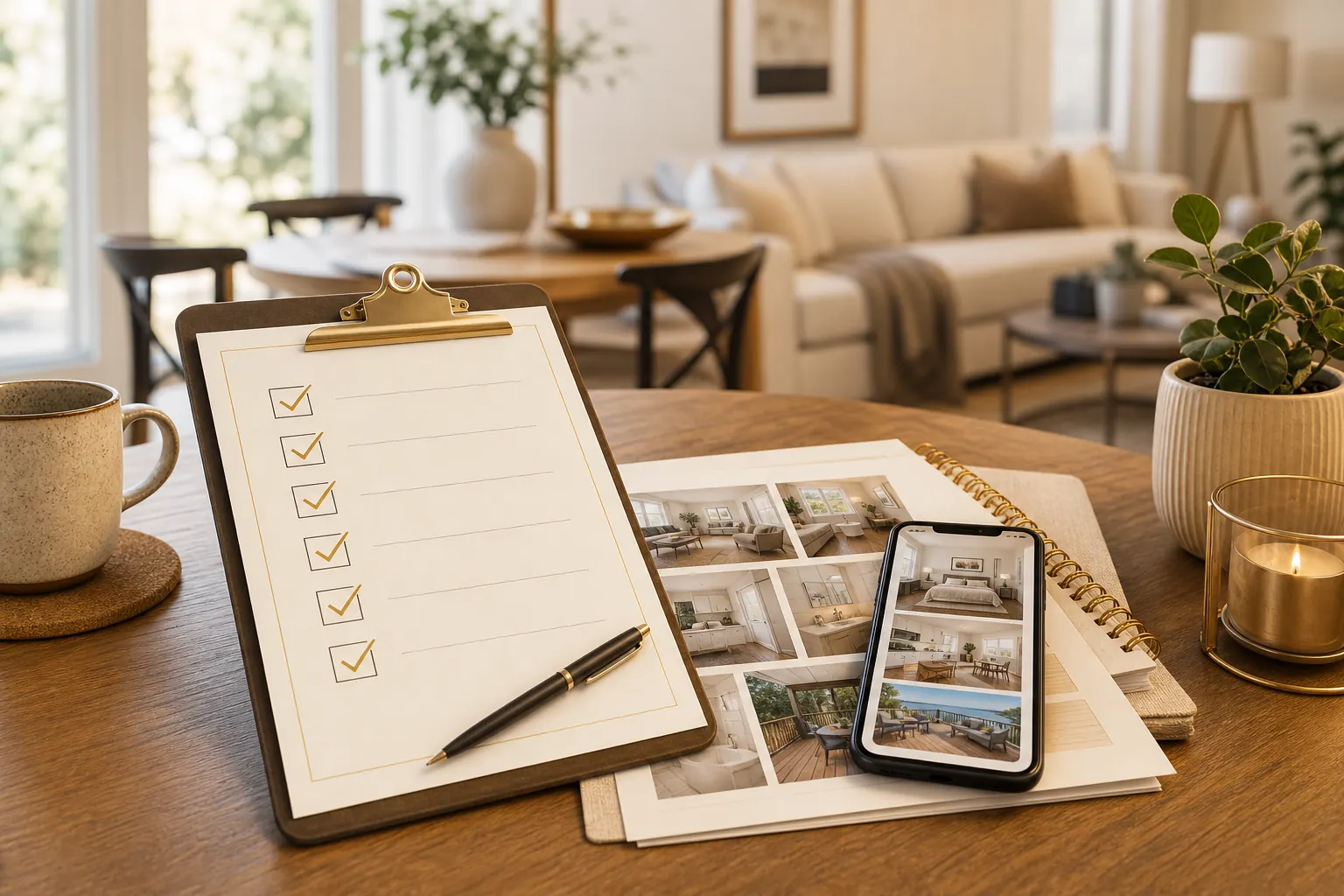
Your listing photos do a hard job. They have to explain the space, build trust, and make a guest stop scrolling before they ever read the full description. The strongest galleries usually feel bright, complete, and honest.
Use this checklist before publishing a new listing, refreshing an older gallery, or deciding which images to enhance first.
Start with the rooms guests care about most
Lead with the spaces that answer booking questions quickly:
- Primary bedroom
- Living room or gathering area
- Kitchen
- Bathroom
- Outdoor space
- View, hot tub, pool, workspace, or other high-value amenity
If a room affects the nightly rate or guest confidence, it should be easy to find in the gallery.
Make every photo answer one question
Each image should have a clear job. A bedroom photo can show bed size, window light, and walking space. A kitchen photo can show counter space and appliances. A patio photo can show seating, privacy, and the view.
Avoid filling the gallery with near-duplicate angles. AI-enhanced images still need a strong editorial order.
Check for common photo problems
Before you publish, look for issues that make a property feel less polished than it is:
| Problem | What guests may think | What to fix |
|---|---|---|
| Dark corners | The room may feel small or dated | Brighten exposure and recover detail |
| Crooked vertical lines | The photo feels rushed | Straighten walls and door frames |
| Mixed lighting | Colors feel inconsistent | Balance warmth and white tones |
| Clutter | The stay may feel unmanaged | Remove distractions before enhancement |
| Blown-out windows | The view is unclear | Recover highlights where possible |
These are exactly the kinds of problems worth fixing before a guest compares your place with the next option.
Keep the gallery truthful
Better photos should make the property easier to understand, not misrepresent it. Avoid edits that create amenities, hide material defects, or make spaces look much larger than they are.
The best enhancement goal is simple: make the real space look clean, bright, accurate, and booking-ready.
Use AI enhancement where it has the most leverage
Start with the photos guests see first. If you only have time to improve a few images, prioritize:
- The cover photo
- The primary bedroom
- The living or gathering space
- The strongest amenity
- Any room that currently looks darker than it feels in person
PerfProperty is designed for this workflow: upload property photos, enhance them, request targeted edits, approve the final versions, and download listing-ready images.
Final pre-publish review
Before updating your listing, scan the full gallery as a guest would:
- Does the first image make the property worth opening?
- Can a guest understand the layout and key rooms?
- Are amenities visible, not just mentioned?
- Do colors and brightness feel consistent?
- Are the photos polished without looking fake?
If the answer is yes, your gallery is doing its job.